Paper Texture Overlay
Add paper grain, folds or an aged finish to your image. Use the free overlay editor below, adjust the blend and export your design, or download an original texture.
Paper Texture Overlay Editor
Upload an image or try the built-in poster. Blend a paper surface and download your finished design. Editing happens in this browser.
Built-in poster · 1200 × 800 pxOutput: 1200 × 800 px
The paper surface fills the canvas. Unlock the ratio only if you want to stretch the original image.
Your uploaded image is not sent to our server. Privacy details
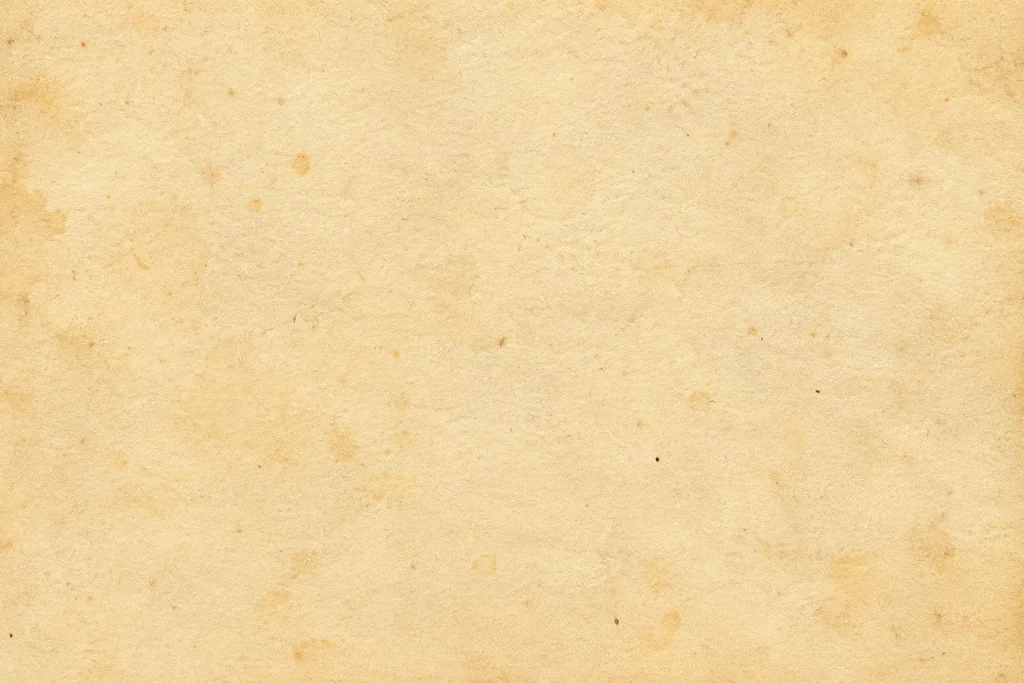
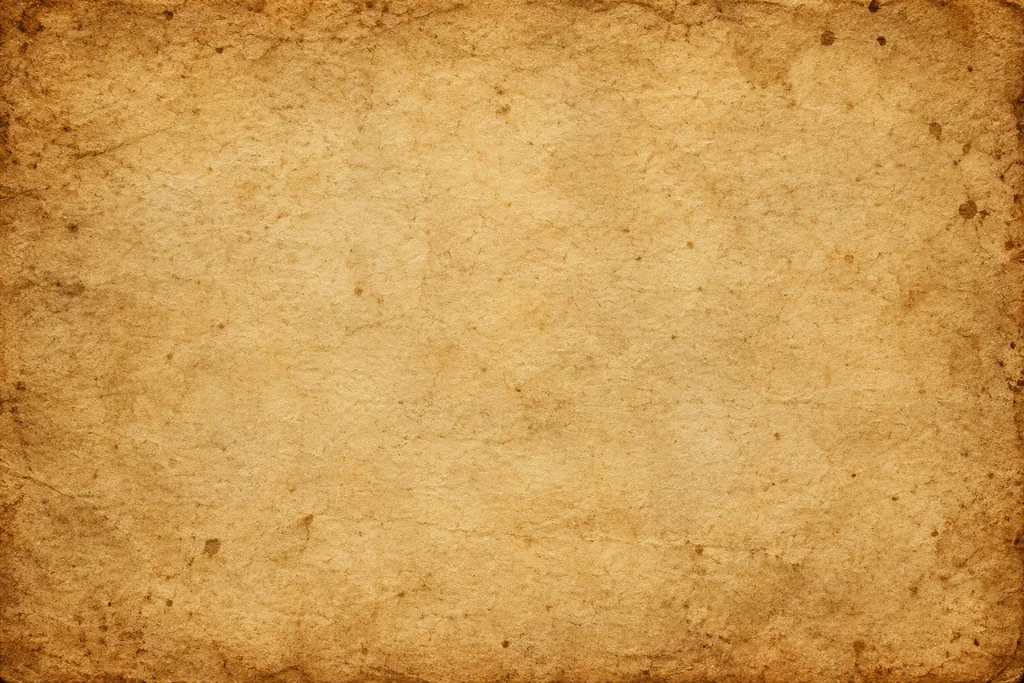
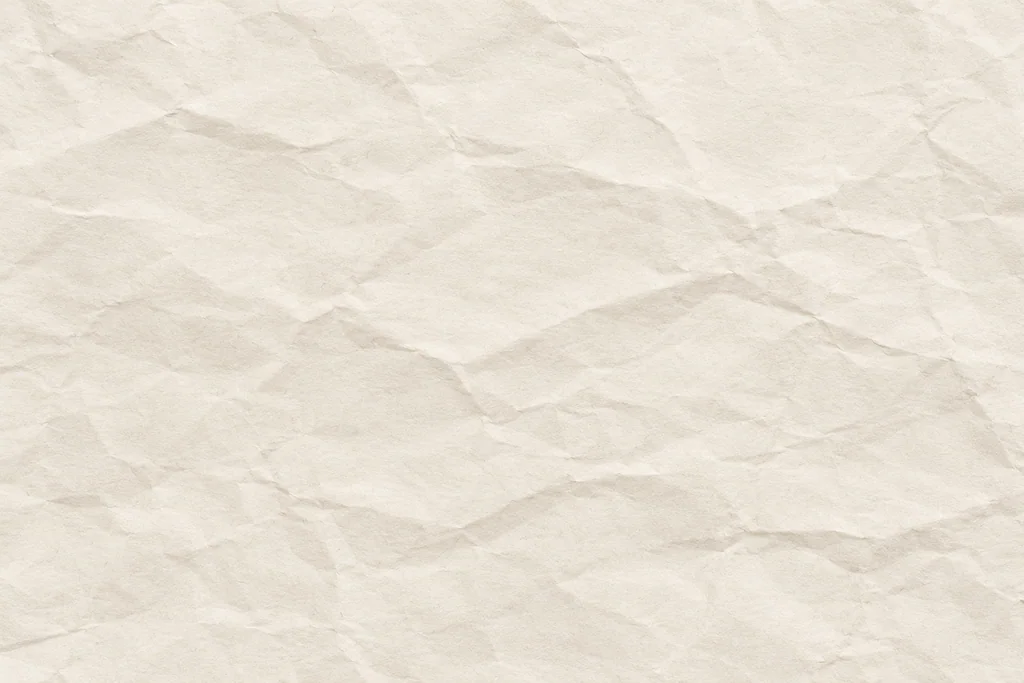
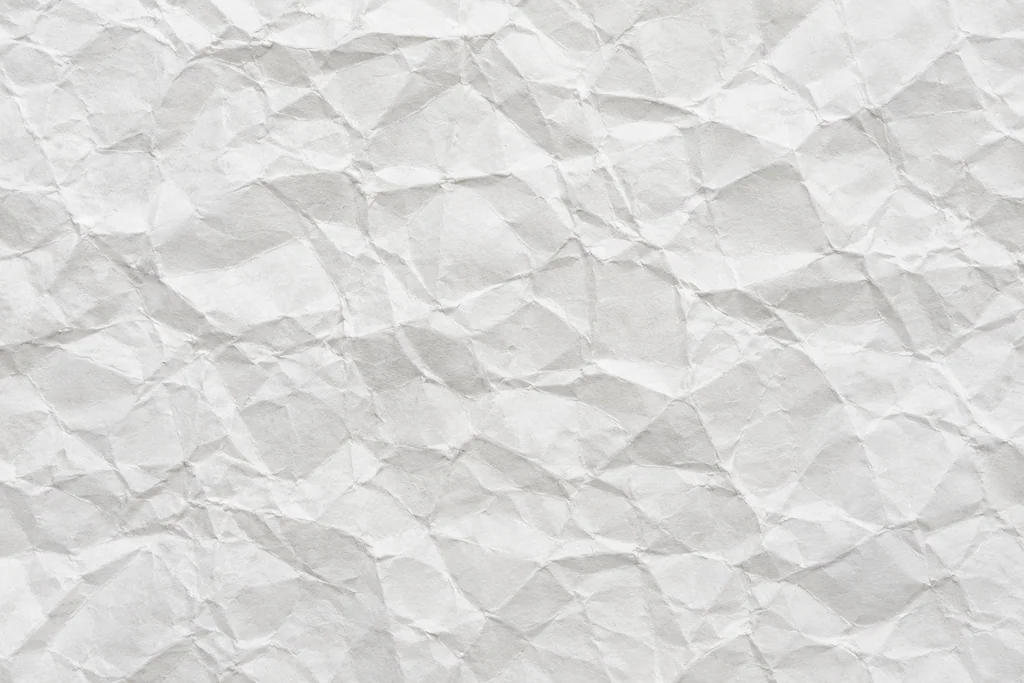
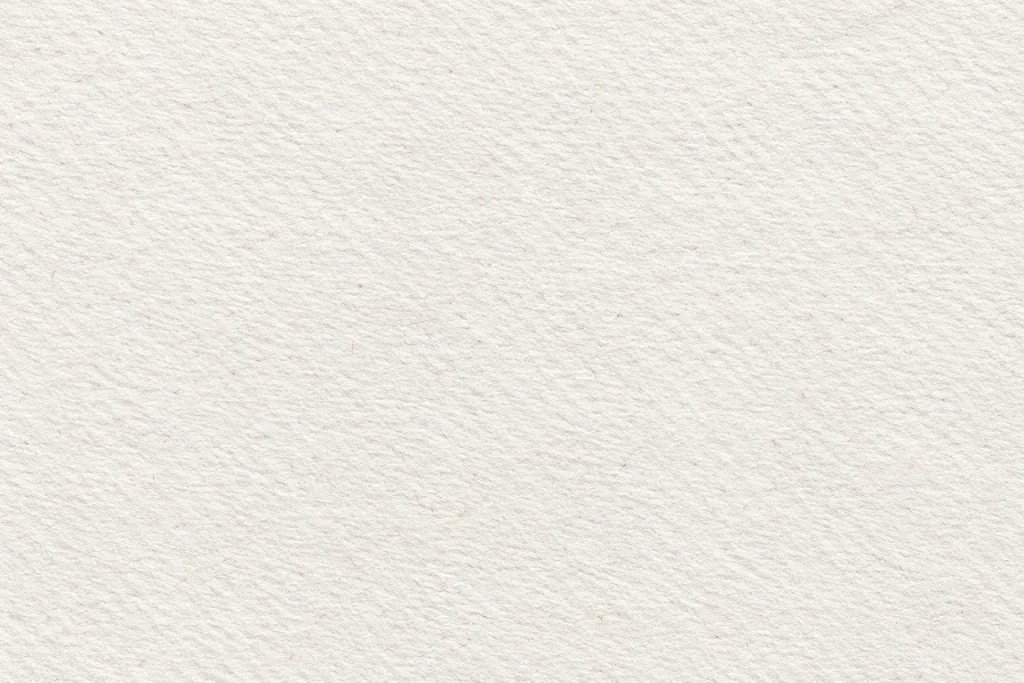
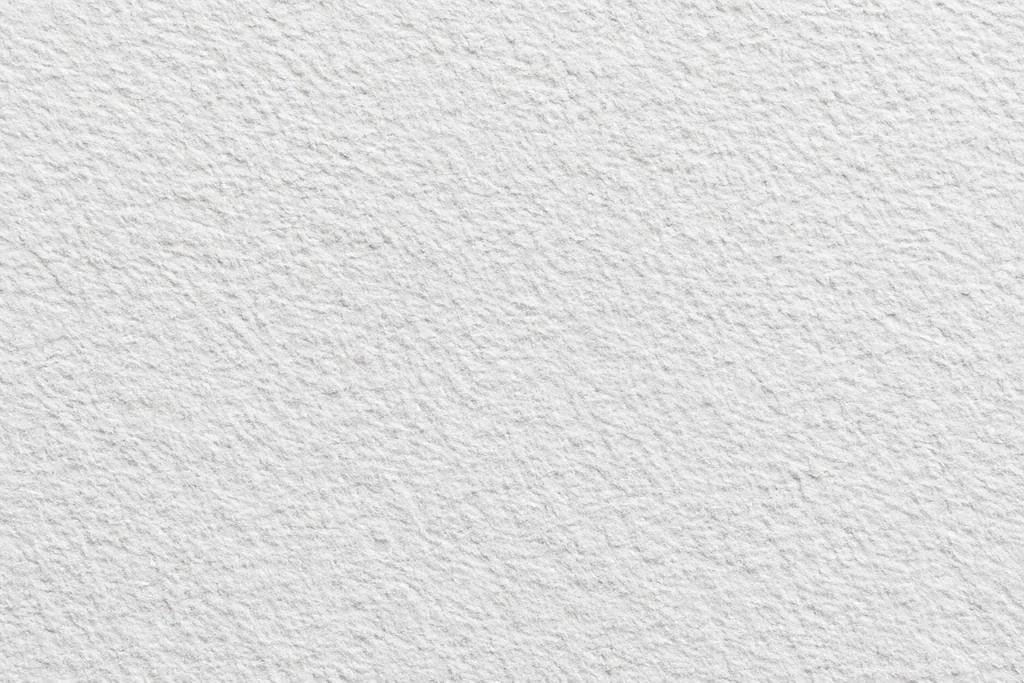
Original PNG downloads · AI-generated surfaces · Design usage license. Saved textures stay in this browser.
Make the texture part of the image.
Place the texture above your image, try Multiply and lower the opacity. These are full-surface images; an overlay does not need a transparent background.
Use the editor above to upload an image and blend a paper surface locally, or download an original texture for another image editor. Check your result at the final viewing size before exporting.
How to use a paper texture